Schedules and milestones
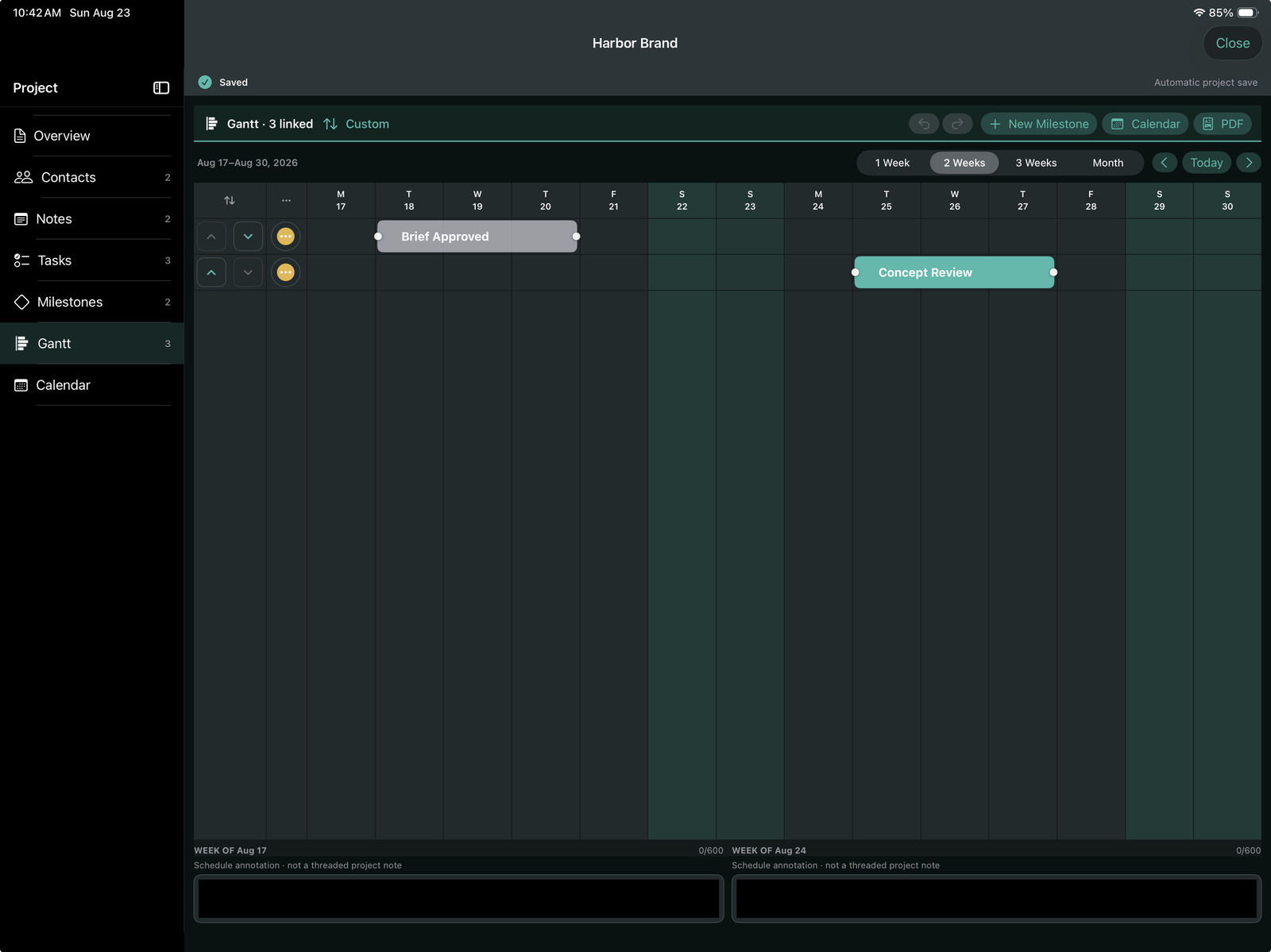
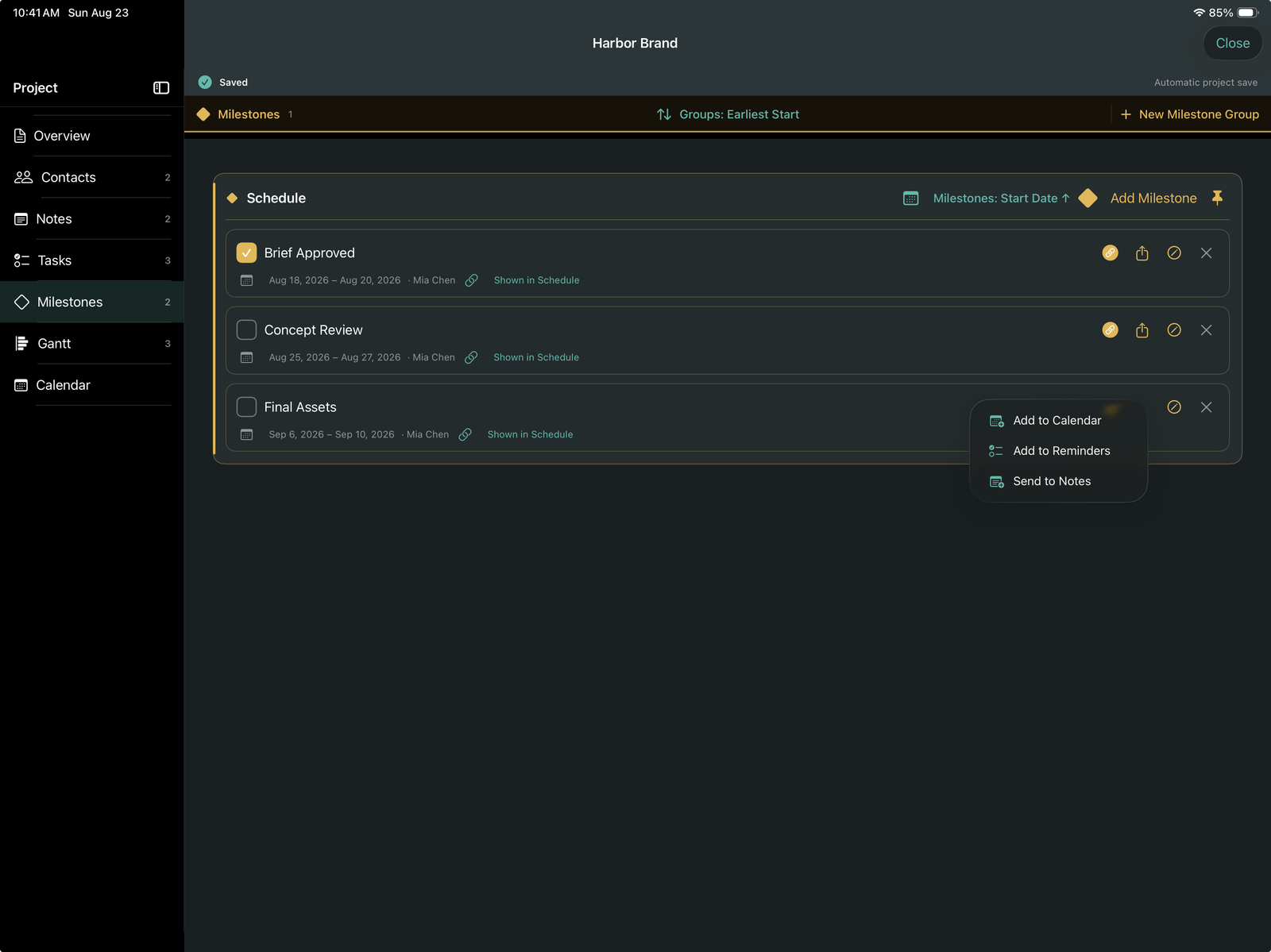
Move from delivery checkpoints to detailed Gantt planning and calendar views.

Many projects. One clear place.
Bring schedules, milestones, tasks, notes, contacts, calendars, and adaptable workflows into one private project environment. Use the included iPhone companion for the work that needs to travel with you.
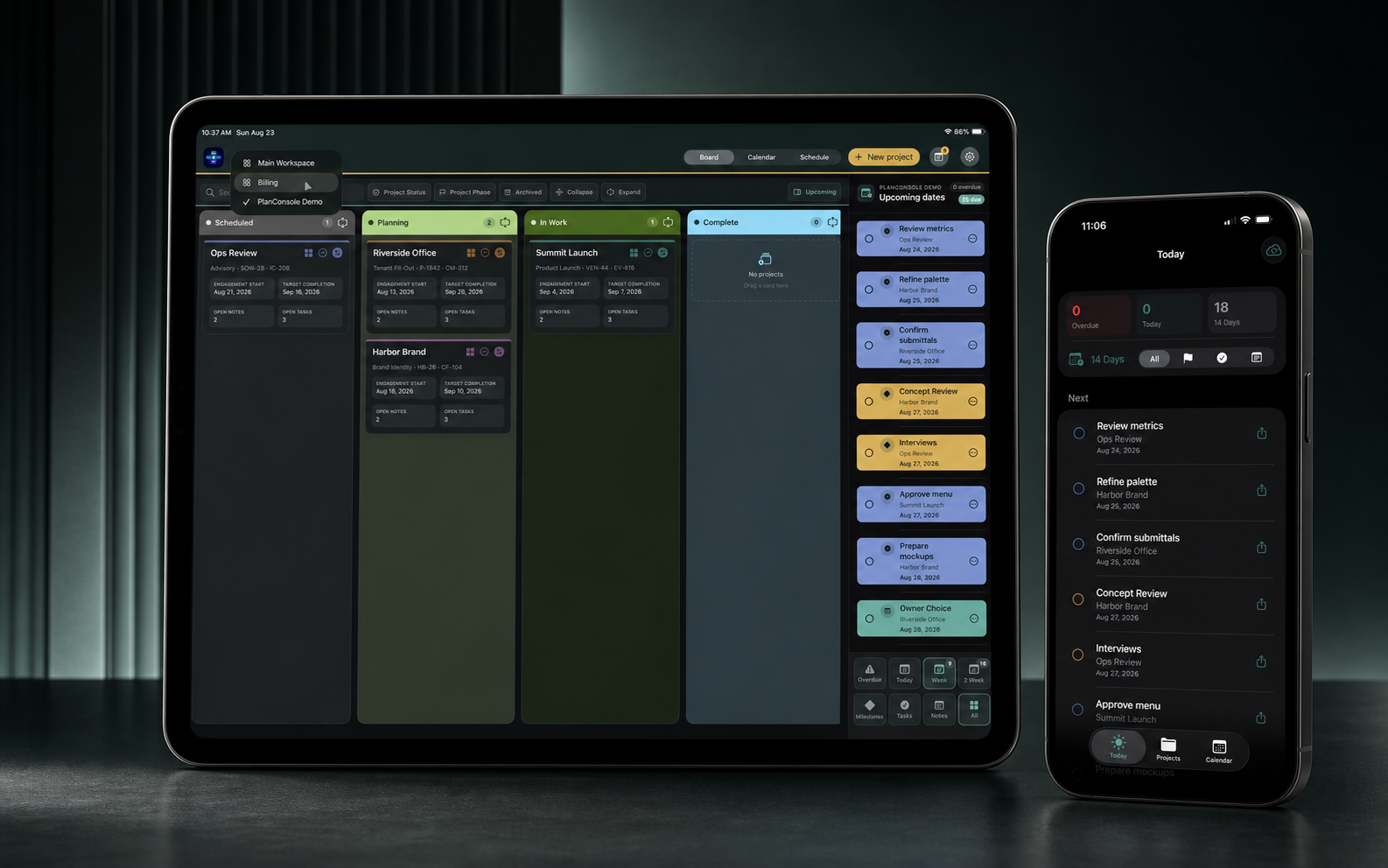
Portfolio command center
Workspaces, configurable columns, project cards, portfolio schedules, and upcoming commitments turn many active projects into one operational view.
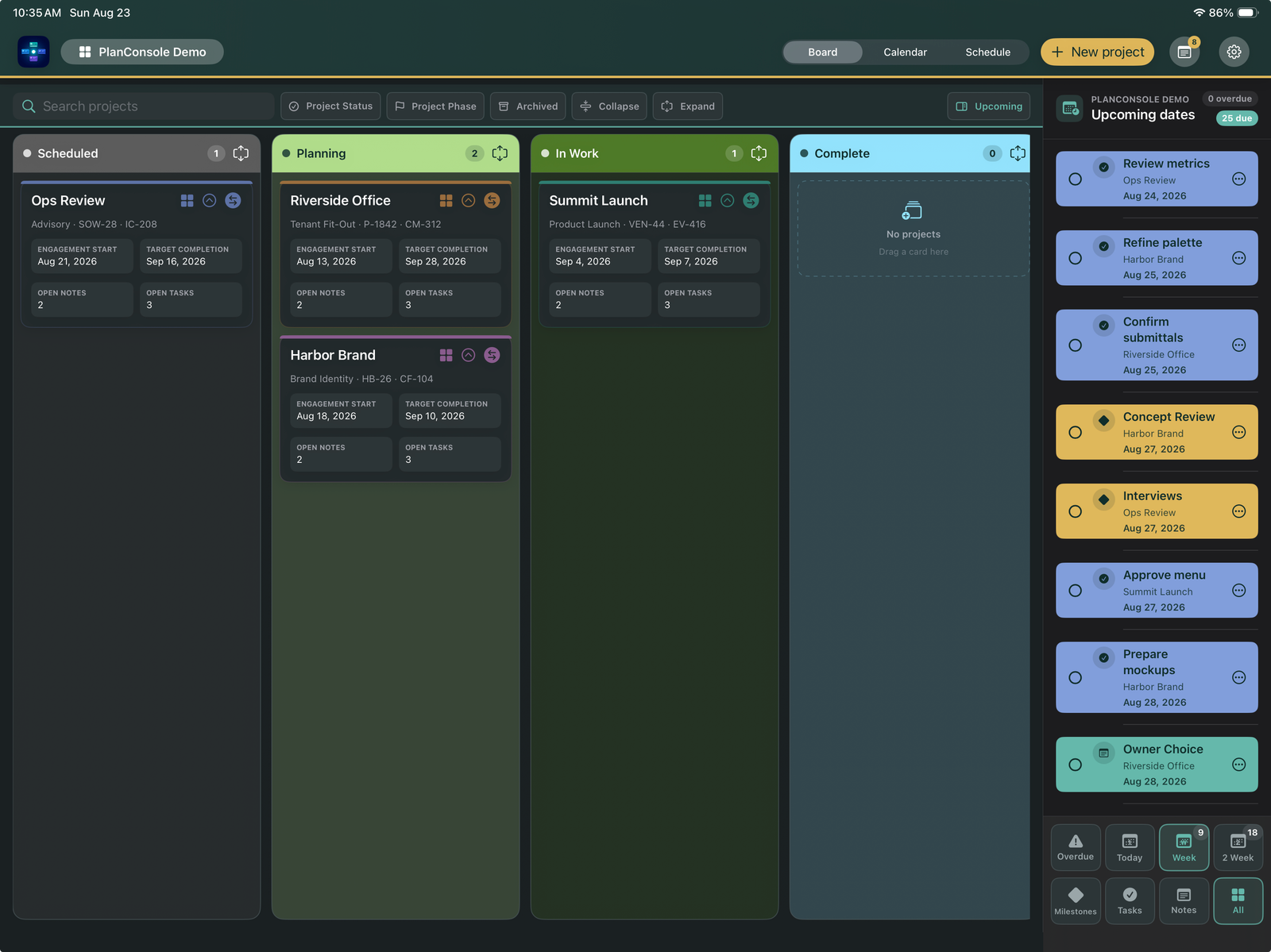
Inside every project
The project is the center. Tasks are one part of it.
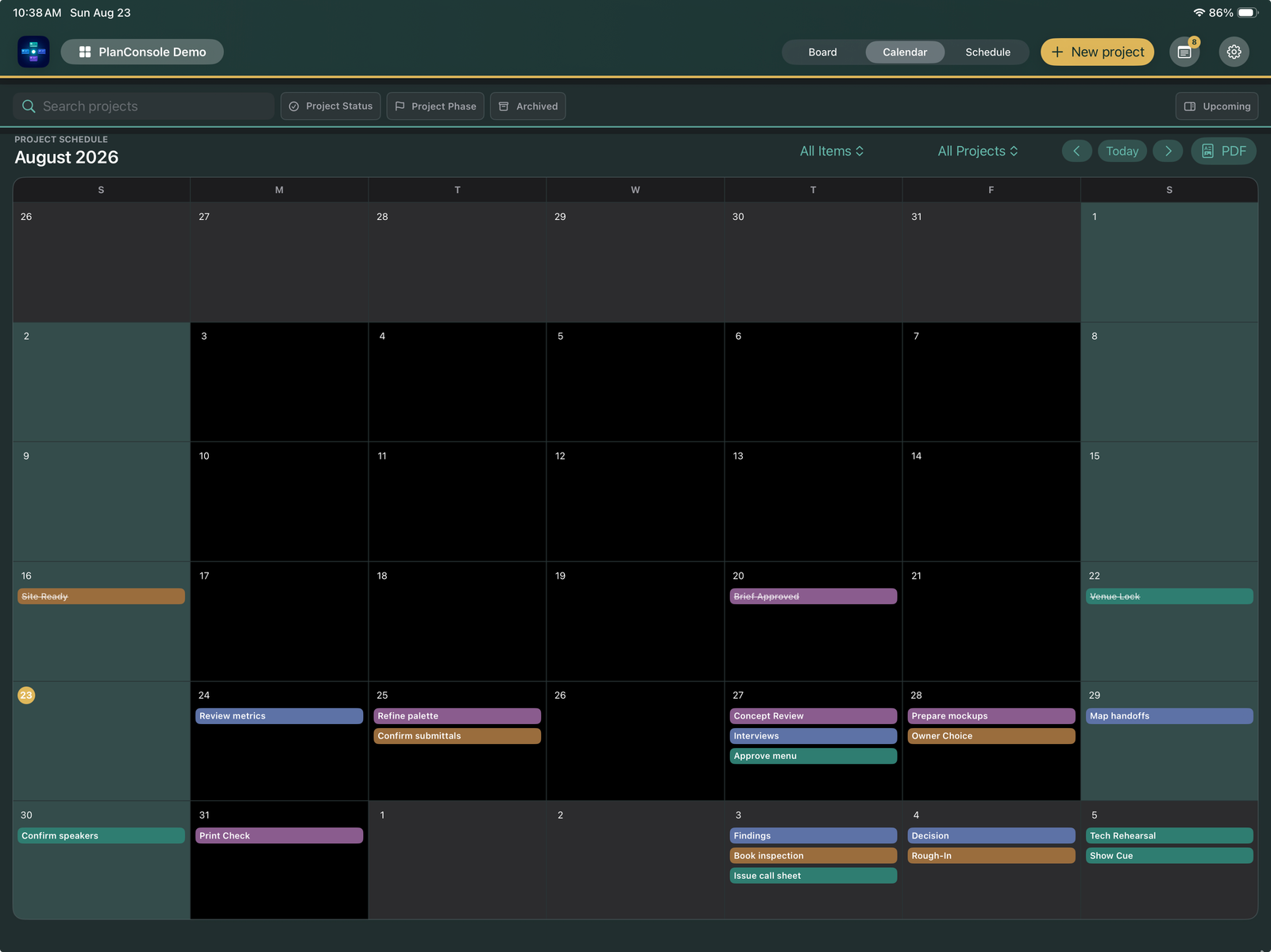
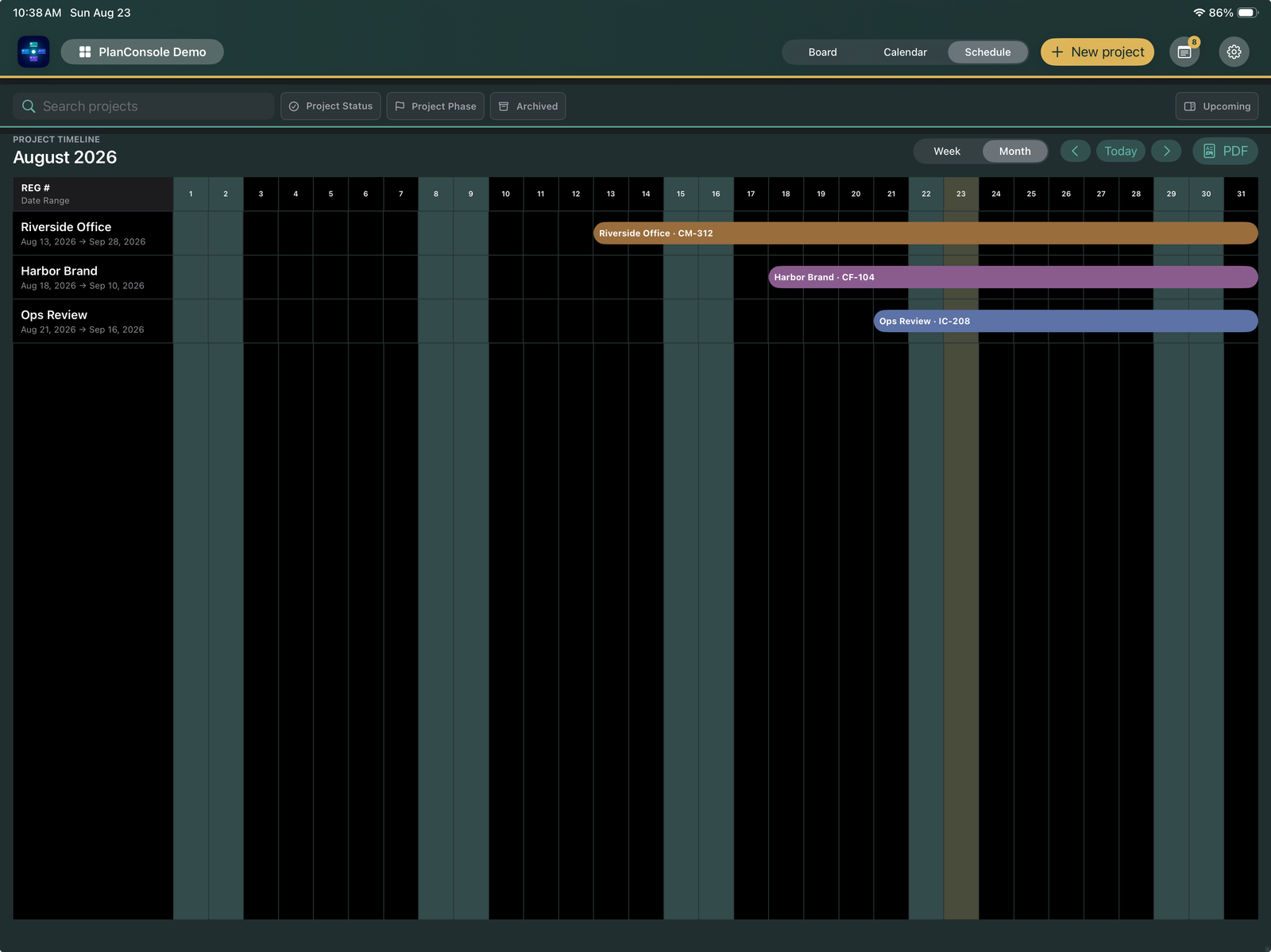
Move from delivery checkpoints to detailed Gantt planning and calendar views.
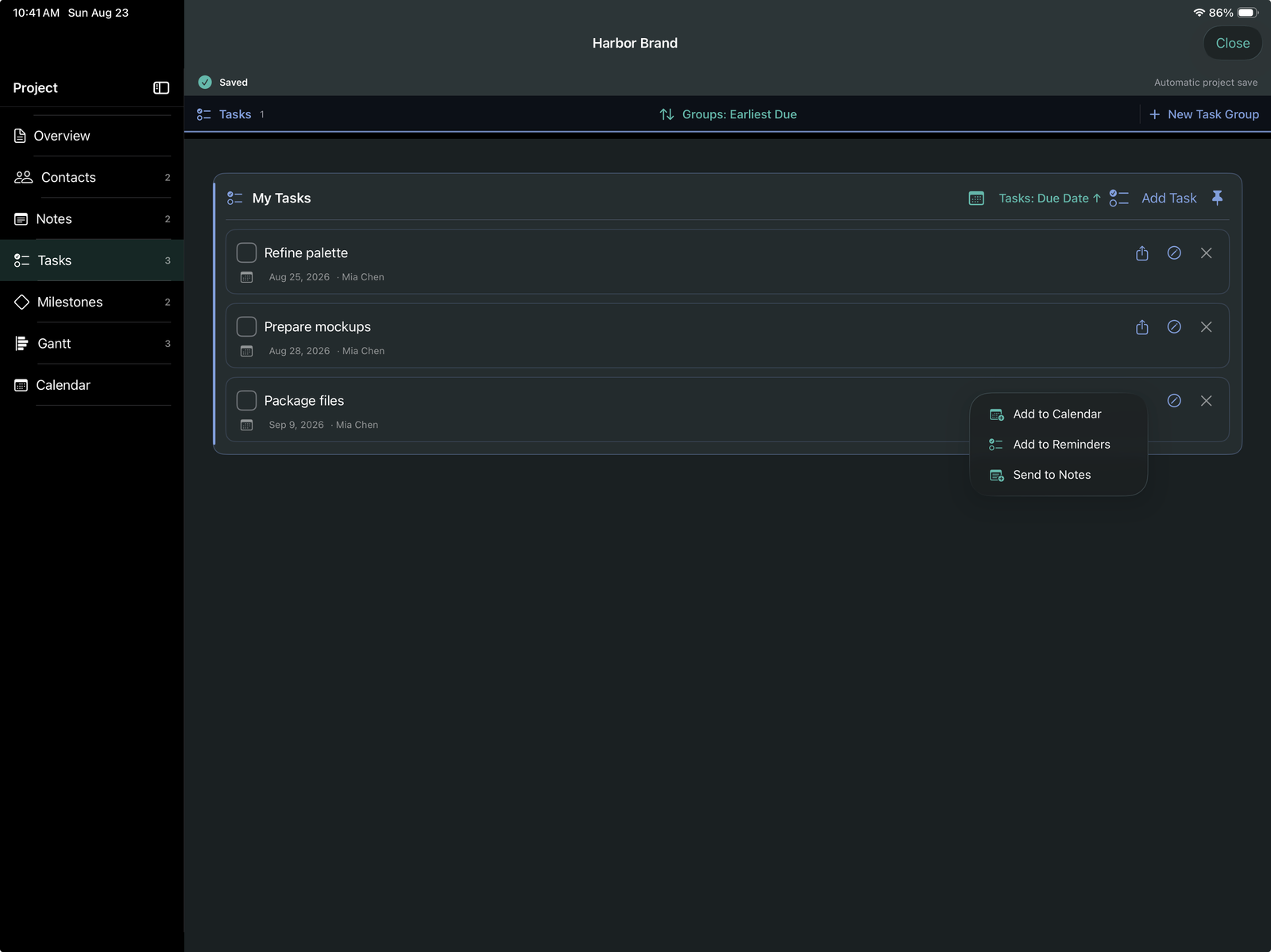
Keep actions, decisions, follow-ups, and status connected to the project they belong to.
Organize the people, organizations, roles, and contact actions behind each project.
Build fields, sections, forms, and card layouts that reflect how your work is actually managed.
Detailed planning
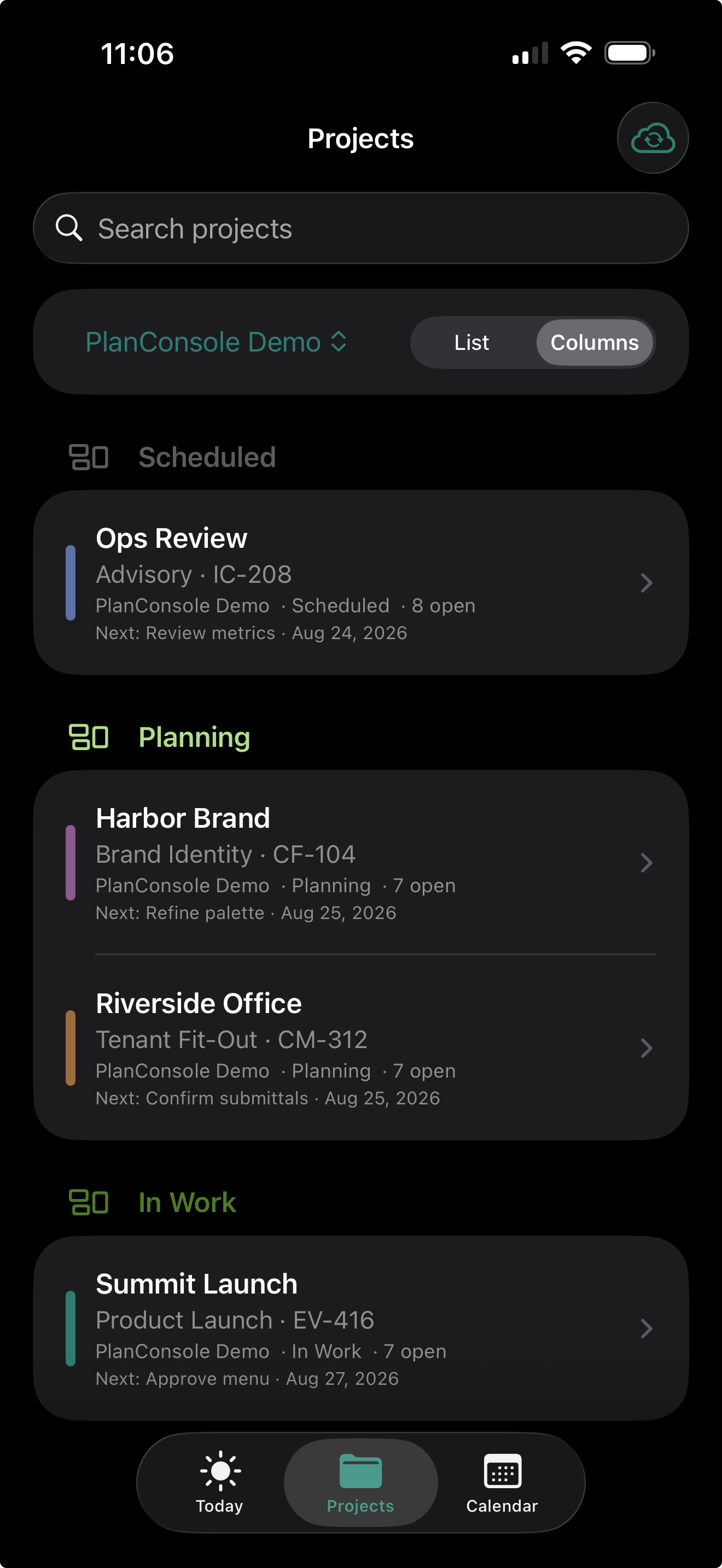
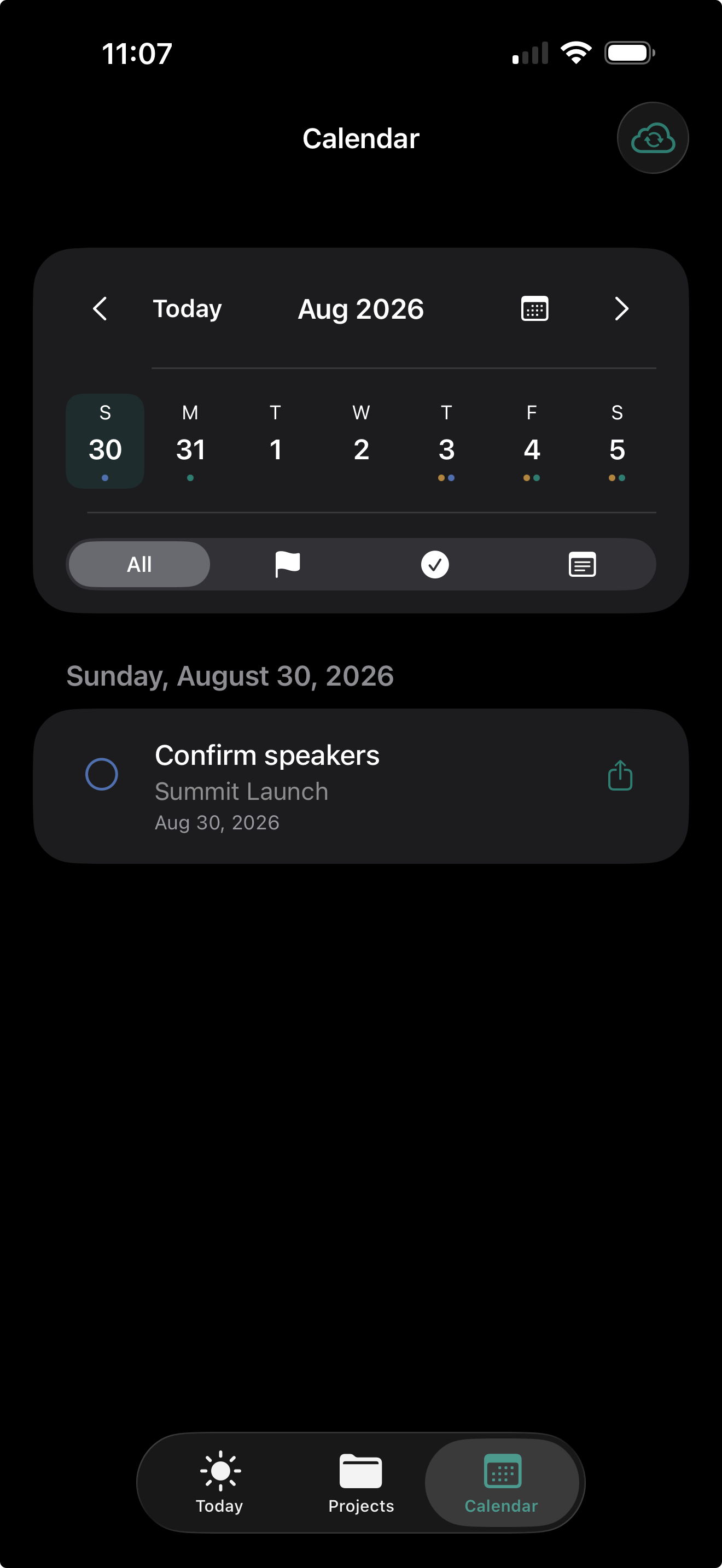
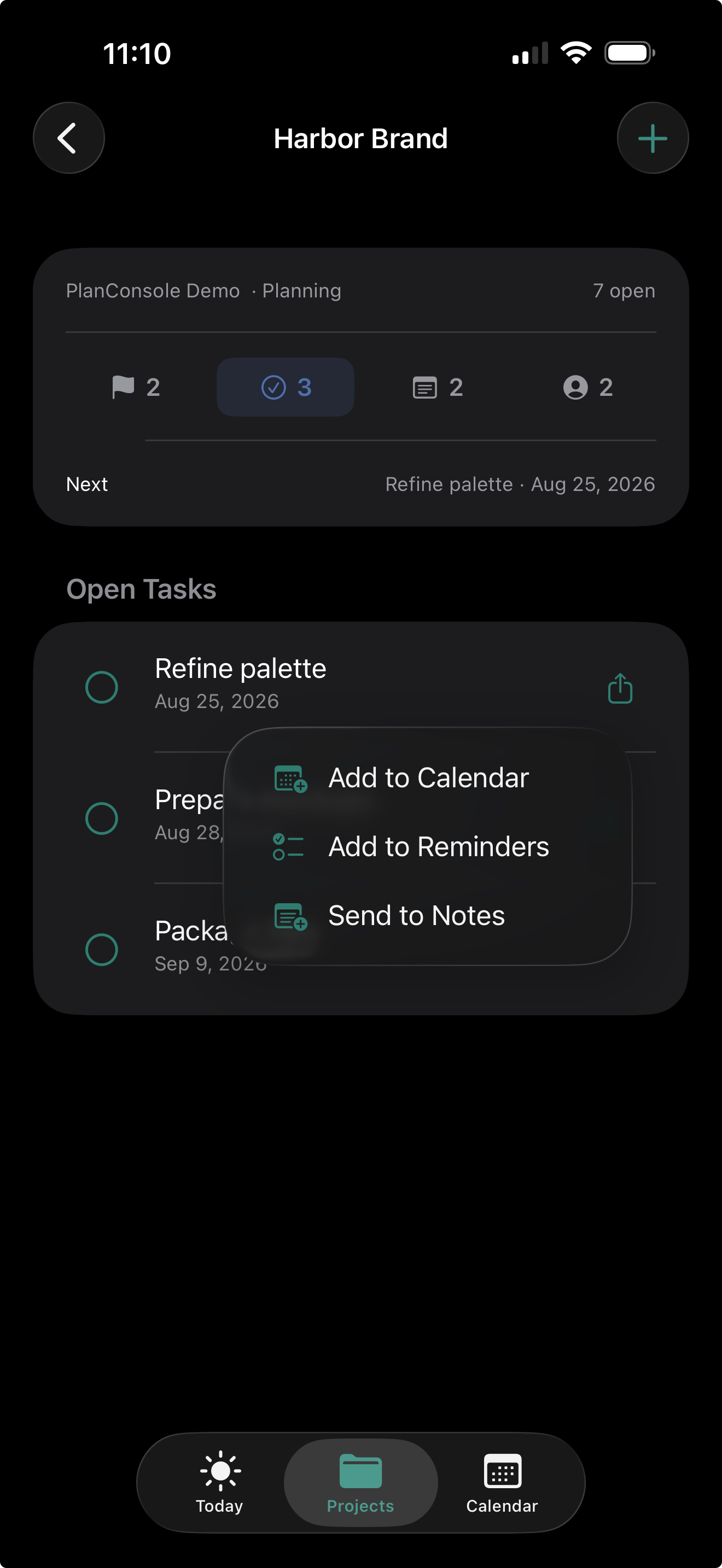
Focused iPhone companion
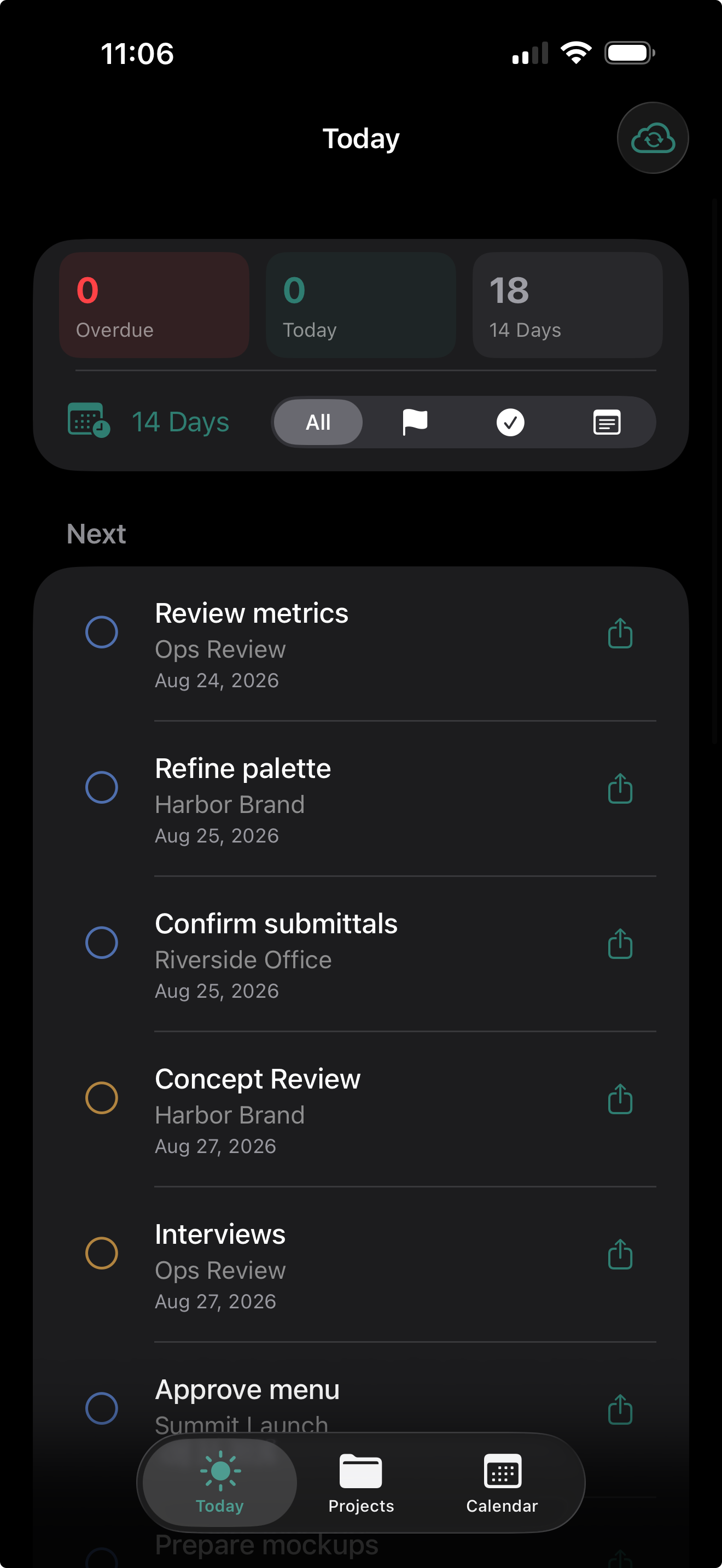
The iPad remains the primary management tool. The iPhone companion uses your private Apple account to carry current project context, upcoming dates, contacts, calendar access, completion actions, and quick capture.
Private continuity
PlanConsole does not operate a project cloud or require a PlanConsole account. The iPad stores the complete management database. The iPhone exchanges a focused companion dataset through the user’s private iCloud account.
Create, organize, configure, and manage the complete portfolio.
Your Apple account carries the companion information between devices.
Review and act on the information most useful away from the iPad.
Available on the App Store
One $9.99 purchase includes the complete iPad management application and its focused iPhone companion. No subscription.
 Scan with your camera