Project portfolio control

Keep every project in context.

PlanConsole brings the schedules, decisions, people, tasks, notes, and milestones behind many projects into one deliberately organized view.

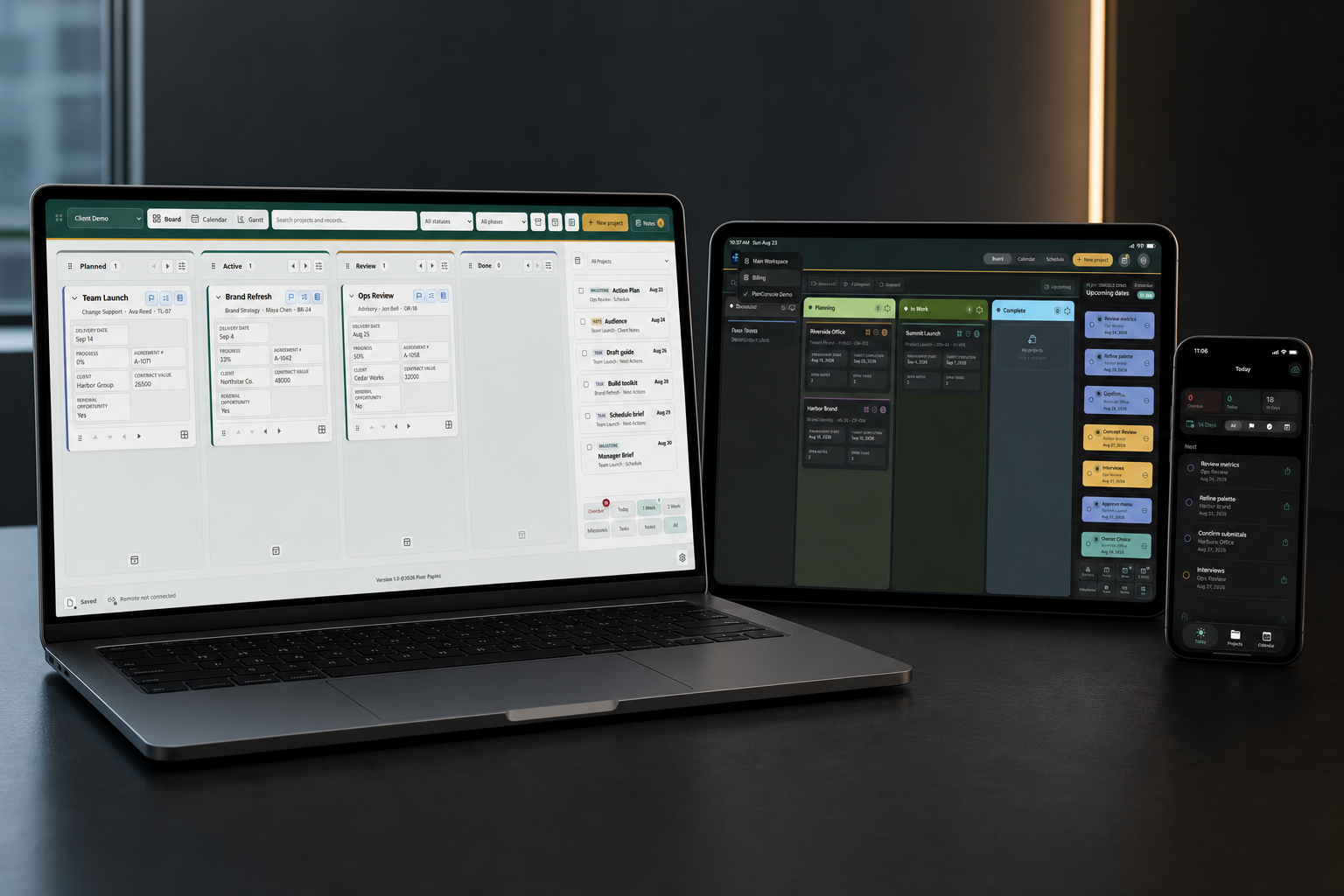
PlanConsole for Windows, iPad, and iPhone presented together in a meticulous office workspace
One product family. Complete command centers for Apple and Windows.
Project firstMore than a task list
AdaptableStructure shaped around the work
PrivateNo developer operated project cloud
RecoverableBackups are part of the design

One product family

Built around the device. United by the same discipline.

Apple and Windows are distinct products. They do not exchange project data with each other. Each gives an individual project leader a complete, private environment for managing many projects at once.

iPad and iPhone

PlanConsole for Apple

The complete portfolio workspace lives on iPad. The included iPhone companion keeps upcoming work, project context, contacts, calendars, and quick actions close when you are away from the larger screen.

  • One purchase for iPad and iPhone
  • Private synchronization through your Apple account
  • $39.99 standard price
Explore the Apple experience →
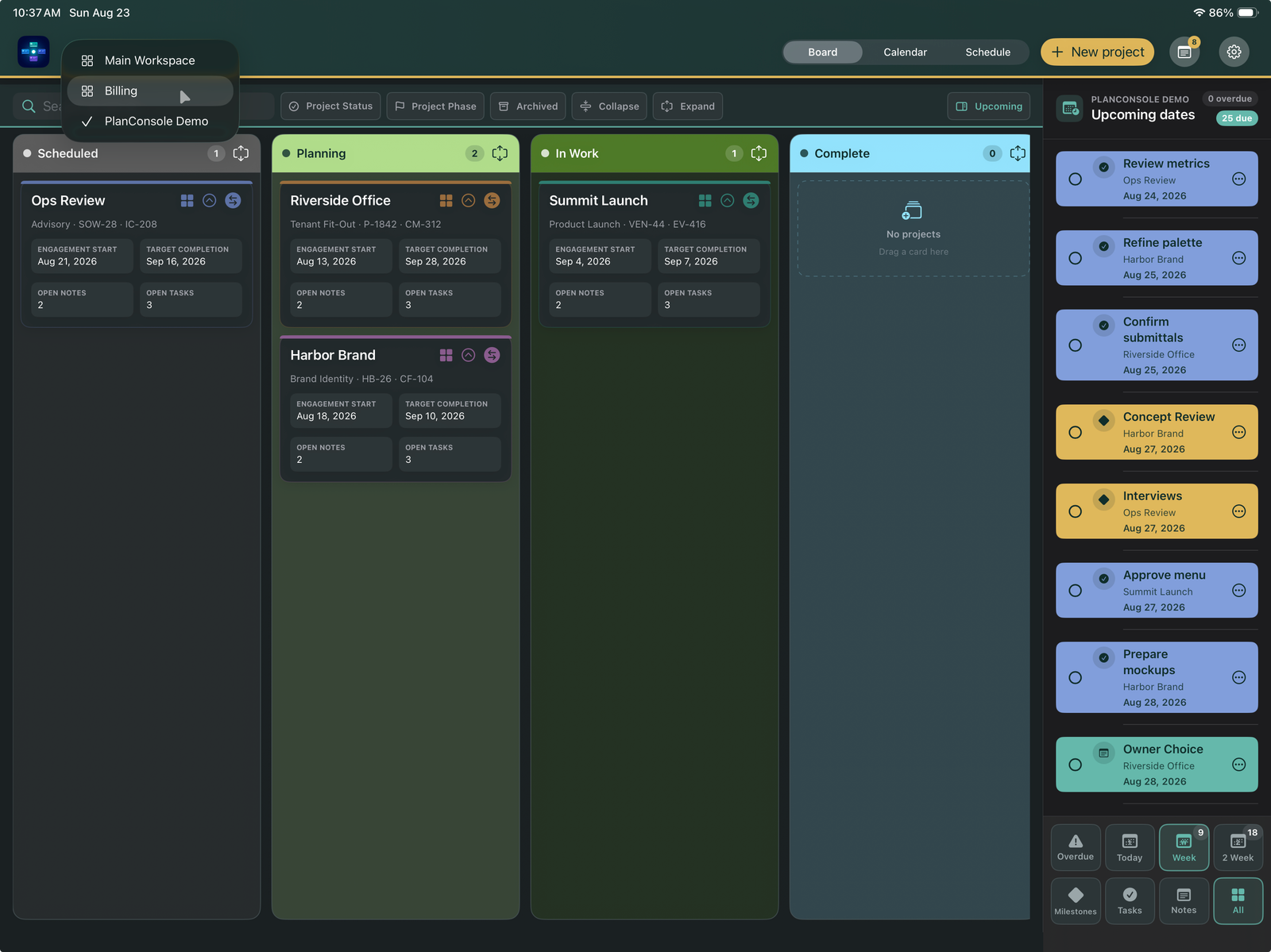
PlanConsole workspace board on iPad
The complete management environment on iPad.
Windows 11

PlanConsole for Windows

A separate local-first application with configurable project structures, files, recovery, and optional continuity between the same owner’s two computers through NAS or Dropbox.

  • Three projects free with no time limit
  • $39.99 lifetime license
  • Unlimited projects on two managed devices
Explore PlanConsole for Windows →
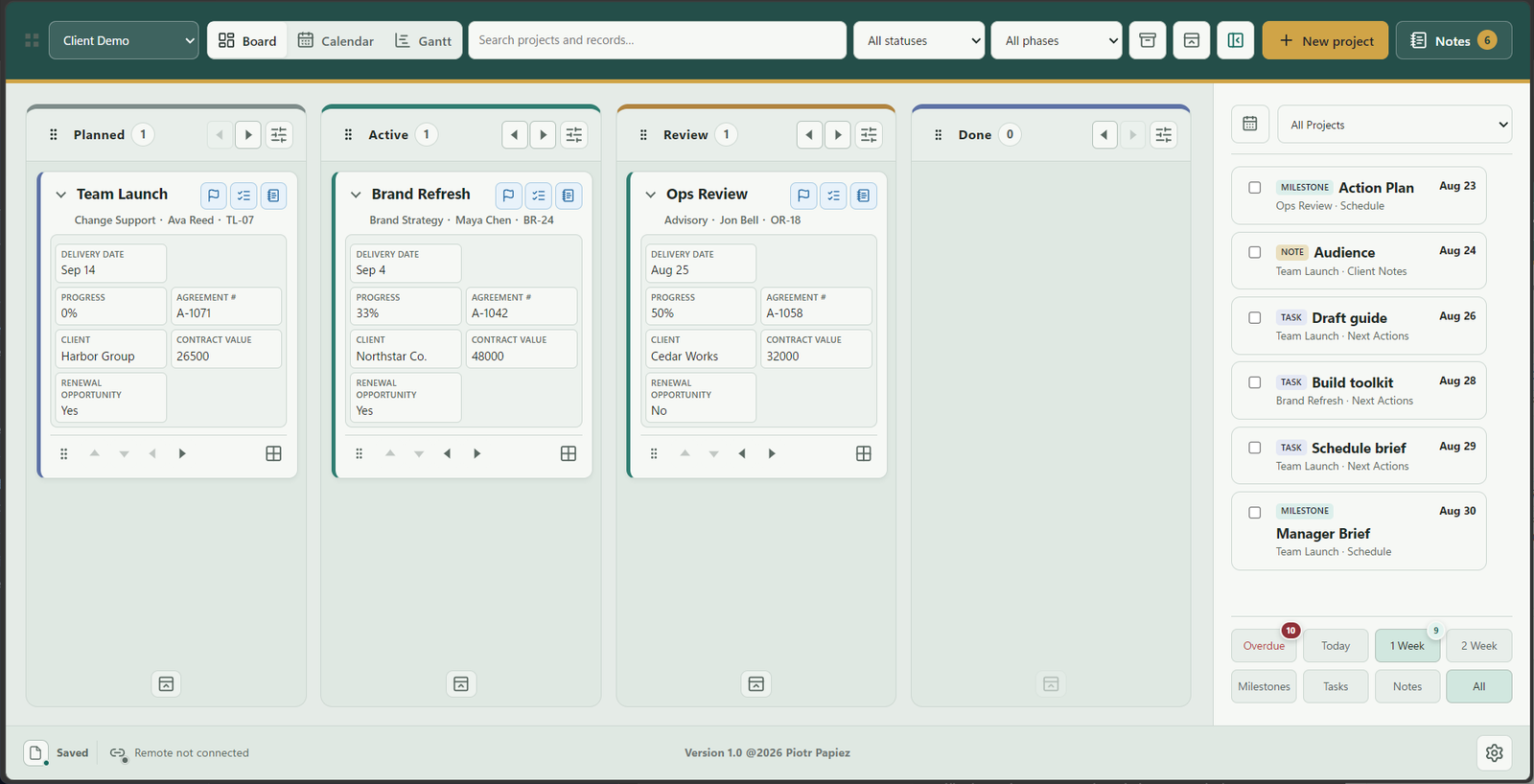
PlanConsole for Windows portfolio board
Authentic Windows interface with fictional demonstration data.

Designed for the real work

The missing layer between a task list and the whole portfolio.

01

See the portfolio

Understand where each project stands without opening a chain of disconnected files and services.

02

Open the full context

Move from the portfolio into the schedules, milestones, tasks, contacts, notes, and decisions behind one project.

03

Shape the structure

Adapt fields, forms, cards, stages, and workspaces to the work instead of forcing every project into one template.

04

Keep ownership clear

Use local storage and intentionally chosen synchronization paths without turning private project records into a developer hosted account.

Created with purpose

Independent software shaped by engineering and project leadership.

PlanConsole is designed and developed by Piotr Papiez as a practical response to managing complex work across many simultaneous projects.